Open the library
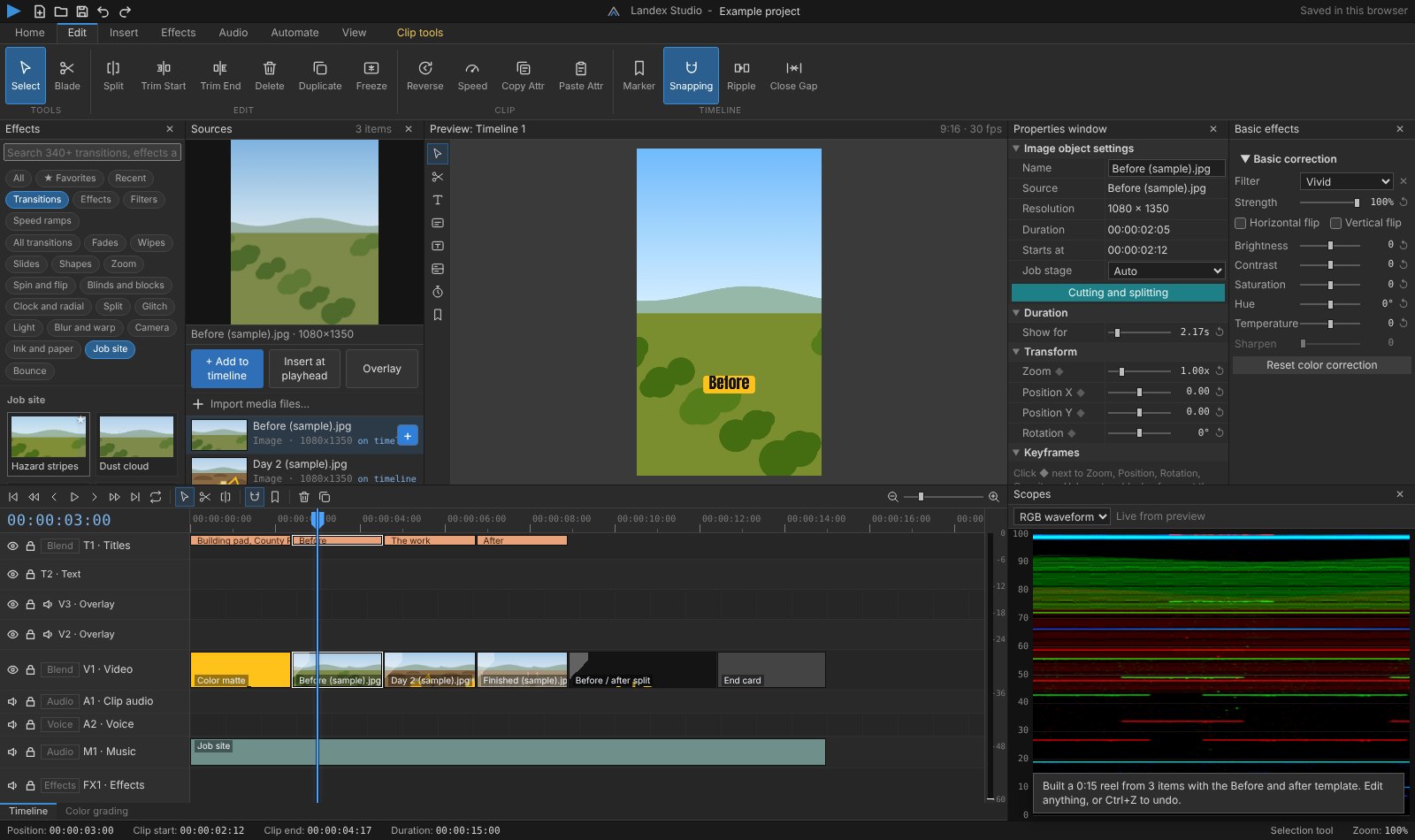
Go to the Effects tab and click Effects. The library opens on the left.
Browse by family
Click Transitions, Effects or Filters, then a family like Fades or Light. Hover a tile to watch it.
Apply it
Select a clip on the timeline and click the tile, or drag the tile onto any clip.
Fine-tune
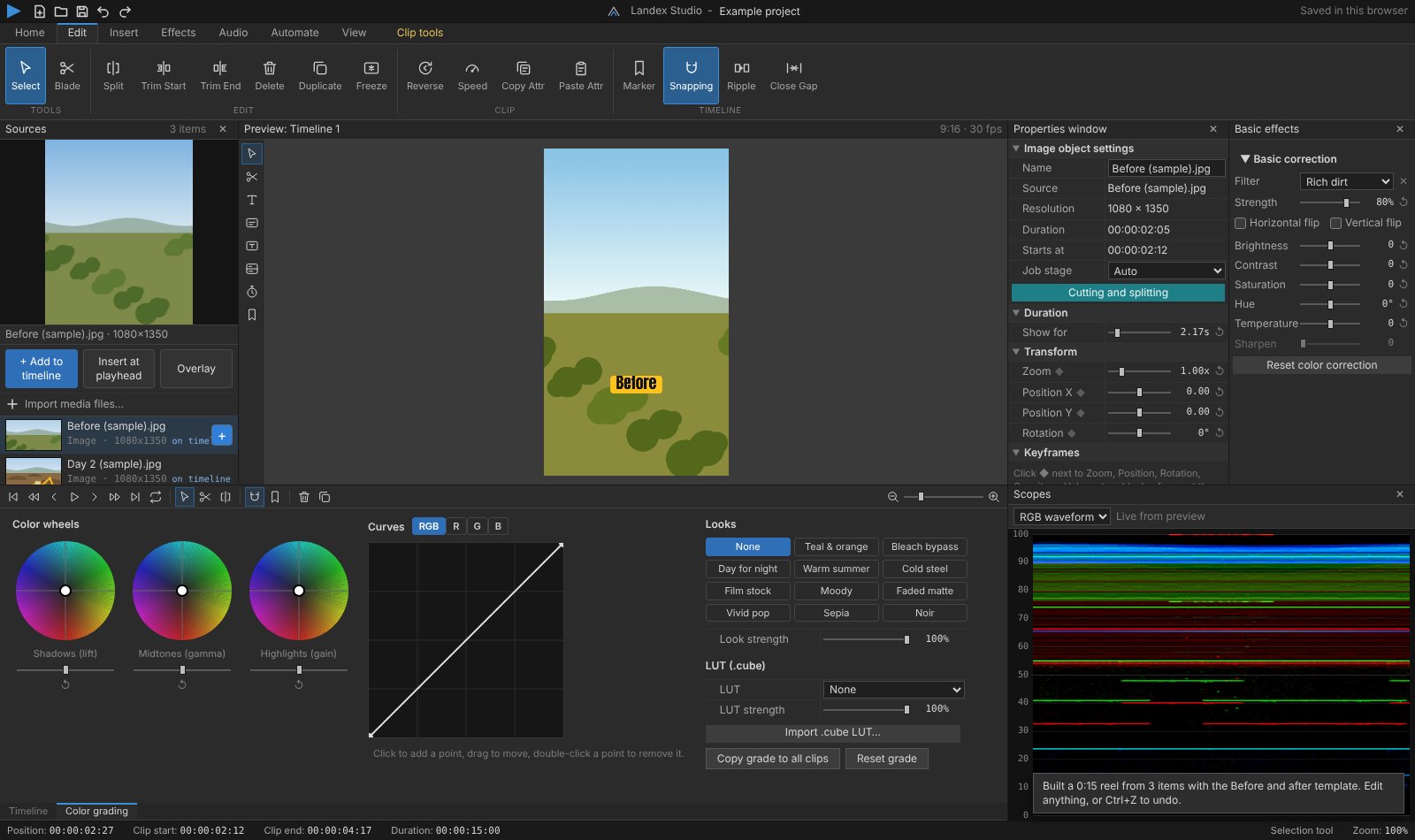
Transitions get a duration in Properties. Effects get an amount slider. Filters get a Strength slider in Basic effects.
Keep your favorites
Hover a tile and click its star. Your favorites and recently used items have their own tabs.
More guides
- 5 min
Make your first reel with Auto Reel
From a folder of clips to a finished vertical video in about five minutes.
- 3 min
Add your logo, phone number and end card
Set your brand once and every reel uses it.
- 3 min
Add music, cut it to the chorus and fade it
Start the song where it gets good and fade it out at the end.
- 2 min
Export for Instagram, TikTok and YouTube
The right settings for each app, and when to use 60 fps.